
10 Best AI Tools for Businesses to Boost Productivity in 2026
Somewhere between “we should probably use AI” and “our entire team runs on it” there’s a gap many businesses are still crossing.
The tools are here.
But which ones are worth your time and which ones will show results six months from now?
Yes, artificial intelligence has moved past the novelty phase. Generative AI tools now handle content creation, data analysis, customer communication and business processes that used to require entire teams.
And here are some numbers.
Deloitte’s 2026 State of AI report found that worker access to AI rose by 50% in 2025, and two-thirds of organisations report productivity gains from AI adoption. And the Federal Reserve’s 2025 Small Business Credit Survey found that 71% of businesses using AI saw increased productivity.
So, the best AI tools for business in 2026 are the ones that embed into your existing business operations and make them faster without creating new problems.
How AI Tools Improve Business Productivity
AI-powered tools have moved far from the “interesting toy” phase. They automate repetitive tasks that used to eat hours:
- scheduling, data entry, first-draft writing, meeting notes;
- streamlining workflow management by connecting systems that previously required a human to copy-paste between them;
- helping teams with research, documentation and analysis at a speed that would have required hiring two extra people three years ago.
The bigger shift in 2026 is AI orchestration: combining multiple AI tools into connected stacks where the output of one feeds the input of another. Think of a meeting that gets transcribed by one tool, summarised by another, turned into action items by a third and pushed into your project management workspace automatically.
That kind of pipeline used to require custom software development. Now it takes a Zapier account and about twenty minutes.
What to Look for in AI Tools for Business
Before you commit to any AI tool, evaluate four things:
1/ Ease of integration
The best AI tools connect to what you’re already using: your docs, your CRM, your productivity apps. A tool that lives in isolation creates another silo and you probably have enough of those.
2/ Automation capabilities
Can it automate workflows and handle repetitive tasks without you babysitting it? If the tool saves you thirty minutes but requires twenty minutes of prompt engineering every time, the math doesn’t work.
3/ AI model performance
Many tools now run on advanced AI models like GPT-5, Claude or Gemini. The model underneath affects how well the tool handles nuance, follows instructions and deals with complex inputs. This matters more than the marketing page suggests.
4/ Scalability
A tool that works for three people needs to work for thirty. And then three hundred. Check whether pricing, features and performance hold up as your team grows.
10 Best AI Tools for Business Productivity
1/ ChatGPT
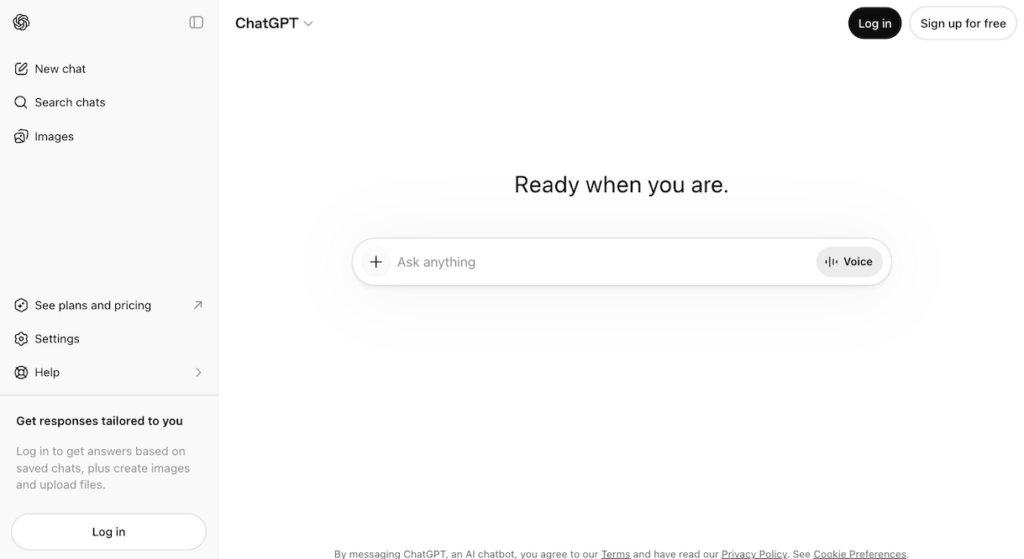
The AI Assistant That Set the Standard
ChatGPT has more than 900 million weekly active users, and for good reason. It handles everything from writing emails and generating reports to brainstorming ideas and automating customer support. The Business plan ($25/seat/month) adds workspace collaboration, SSO and data privacy controls. Enterprise goes further with compliance certifications, analytics dashboards and custom connectors via MCP.
For most businesses, ChatGPT is the AI equivalent of a Swiss Army knife. Not always the best tool for any single task but consistently useful across almost all of them. The GPT-5 models rolling out through early 2026 have made the reasoning and output quality noticeably sharper.
2/ Perplexity
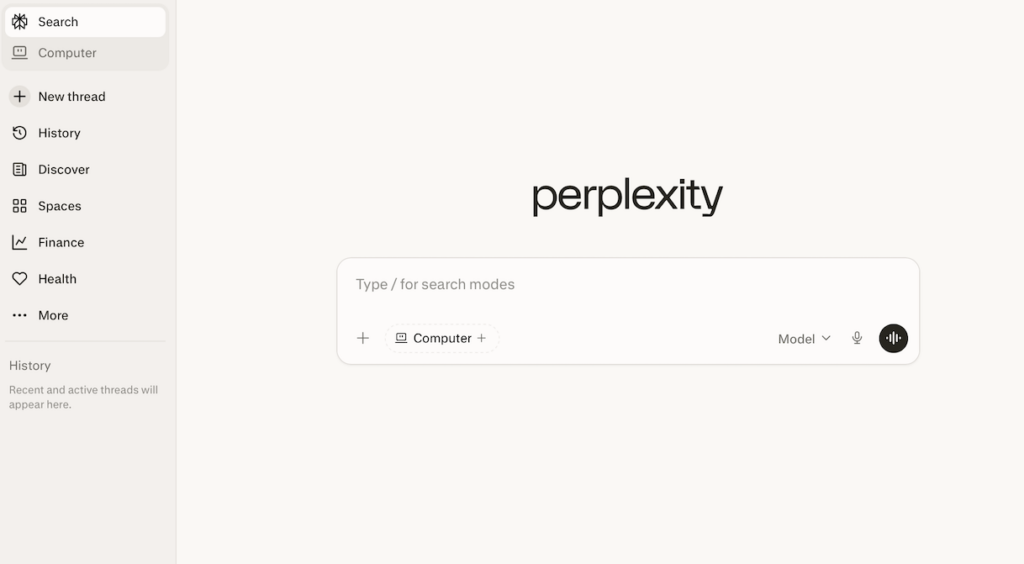
AI Search and Research Assistant
If your team spends hours researching competitors, markets, regulations or technical topics, Perplexity changes the game. It combines AI search with real-time citations, so you get answers with sources attached. Yes, finally no more opening seventeen tabs and cross-referencing manually.
For research-heavy use cases in consulting, finance, legal or content creation, Perplexity saves time that ChatGPT alone can’t.
ChatGPT generates. Perplexity finds and verifies.
Different tools, different jobs.
The free tier is genuinely useful, and the Pro plan unlocks deeper analysis and longer research sessions.
3/ Canva AI
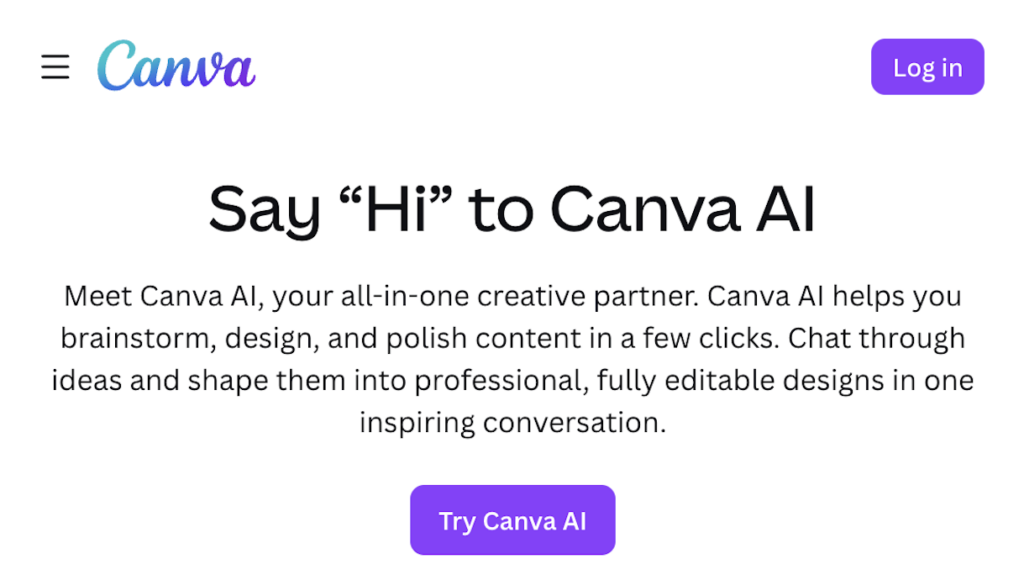
AI-Powered Design and Content Creation
Canva became one of the most used AI tools in business by making design accessible to people who can’t tell kerning from leading. The AI features now generate AI images, resize designs across formats, write copy and suggest layouts. Yes, all inside a tool that marketing teams were already using daily 5 years ago.
For teams producing social media content, presentations, marketing materials and internal docs, Canva AI removes the bottleneck of “waiting for design”. The free plan includes basic AI features. The paid tiers unlock the full AI creative suite, brand kits and team collaboration.
4/ Notion AI
The AI Productivity Workspace
Notion AI turns your workspace into something that thinks alongside you:
- summarises docs;
- drafts content;
- extracts action items from meeting notes;
- answers questions about your own documentation.
For teams that already live in Notion for project management and knowledge management, the AI layer makes the existing workflow faster without adding another tool.
The magic is that it operates on your data:
- your meeting notes;
- your project briefs;
- your team wiki.
Tools like Notion AI work best when they understand context and context comes from the information your team already has inside the platform.
5/ Zapier
Workflow Automation Engine
Zapier connects apps. That’s the simple version. The more accurate version: Zapier builds AI-driven workflows that automate the repetitive tasks your team does between tools:
- the copy-paste;
- the “when X happens in Slack do Y in our CRM”;
- the data routing that nobody enjoys but everyone needs.
In 2026, Zapier’s AI features have expanded to include natural language automation setup and AI-powered workflow suggestions. You describe what you want to happen and Zapier builds the automation. This is the closest thing to hiring an assistant who never sleeps, never complains and connects to thousands of apps across the ecosystem.
Are these tools actually saving you time, or just adding more to manage?
AI works best when it’s connected into how you already run your business. We help make that happen.
6/ Jasper
AI Marketing Content Creation
Jasper is built specifically for AI marketing:
- blog writing;
- ad copy;
- email campaigns;
- landing pages.
It’s trained on marketing best practices and optimised for the kind of AI content output that marketing workflows demand. Where ChatGPT is a generalist, Jasper is the specialist who knows your brand voice, your target audience and what performs. It even offers template libraries for common content types so you’re not starting from scratch every time.
If your content marketing operation produces volume like multiple blog posts per week, ad variations, social campaigns, then Jasper can handle the first draft faster than any human writer. The human still edits (please still edit), but the time from blank page to workable draft is way faster.
7/ Grammarly AI
Writing Assistant
Grammarly started as a spell-checker and evolved into something significantly more useful. The AI features now:
- rewrite for tone;
- suggest structural improvements;
- adjust formality level.
And our favorite: it catches the kind of awkward phrasing that makes professional communication feel off.
It works inside email, docs, Slack and browsers.
For teams where written communication is the default mode of work (which is most teams in 2026), Grammarly AI improves productivity by reducing the back-and-forth of “can you rephrase this?”. It’s one of those tools that’s hard to notice when it’s working and impossible to ignore when it’s not.
8/ Fireflies AI
Meeting Assistant
Open source tends to be the stronger choice when your company has engineering capability and wants control. For example:
Meetings happen. But as we all know – notes from those meetings frequently don’t. Fireflies solves this by recording, transcribing and summarising meetings automatically, then extracting action items and making everything searchable. It integrates with Zoom, Google Meet and Microsoft Teams.
The productivity gain is straightforward:
- nobody has to take notes during the meeting;
- nobody has to email the summary afterwards;
- nobody can argue about what was really decided.
Fireflies just records what happened and makes it available. For teams that run fifteen meetings a week (and we all know that’s a conservative estimate), this tool gives back hours.
9/ Claude AI
Advanced Reasoning Assistant
Claude is the AI assistant you reach for when the task requires reading a lot, reasoning carefully and not hallucinating a plausible-sounding answer. It handles long document analysis, complex writing tasks, enterprise workflows and the kind of nuanced reasoning that requires holding a lot of context at once.
Businesses use Claude for:
- contract analysis;
- research synthesis;
- technical documentation;
- strategic planning.
Where Claude tends to stand out is in tasks that require reading and reasoning over large volumes of text:
- upload a 200-page vendor contract and ask for clause-level risk flags;
- drop in a quarter’s worth of customer interviews and ask it to pull out the three themes that actually matter;
- give it a 50-tab spreadsheet export and ask for a structured summary.
These are the examples where Claude’s long-context handling earns its keep. The enterprise API and team plans offer the integration and security controls that larger organizations need.
10/ Browse AI
Automation for Data Collection
Browse AI automates web data collection without requiring anyone to write code. Point it at a website, tell it what data you want and it extracts, monitors and delivers it on a schedule. Competitor pricing, market data, job listings, product catalogues – anything that’s publicly available on the web.
For operations and research teams who currently do this work manually (or pay someone to do it manually), Browse AI turns hours of weekly data gathering into an automated pipeline. The use cases are specific but the time savings are significant for teams that depend on fresh external data.
Free AI Tools for Businesses
Not every AI tool requires a budget approval. Many of the best AI tools for business offer free tiers that let teams experiment before committing:
- ChatGPT free plan gives access to GPT-5 with usage limits. Just enough to test whether AI fits your workflow before scaling up.
- Canva AI includes basic AI features on the free plan, enough for simple design work and social content.
- Perplexity free tier handles standard AI search queries well, with the Pro plan unlocking deeper research.
- Grammarly offers a solid free version for basic writing assistance, with AI features on the premium plan.
- Notion AI integrates into free Notion workspaces, though the AI-specific features require a paid add-on.
Starting with free AI tools reduces risk. Test the workflow, measure the time saved, then decide whether the paid version justifies the investment.
How Businesses Should Use AI Tools Strategically
Collecting tools is a trap. The strategy is building stacks. Instead of adopting AI tools individually you can combine them into connected workflows where the tools work together:
- Marketing stack: Canva for visuals, Jasper for copy, ChatGPT for brainstorming and editing – content creation from idea to published asset.
- Operations stack: Notion AI for documentation and project management, Zapier for automation between systems, Fireflies for meeting intelligence – the operational backbone.
- Research stack: Perplexity for sourcing and verification, ChatGPT for synthesis and drafting, Browse AI for competitive data – research that used to take days compressed into hours.
The connective tissue matters. When your AI tools share data and trigger each other’s workflows, the productivity gains compound. When they don’t, you have ten subscriptions and the same bottlenecks. AI tools can help most when they talk to each other.
The Future of AI Productivity Tools
AI tools are moving toward autonomy. The latest AI development everyone’s watching is agentic AI: AI agents that perform multi-step tasks independently based on a goal rather than a single prompt. Deloitte found that 44% of companies were already deploying or assessing AI agents by late 2025, and NVIDIA’s 2026 report showed telecommunications leading agentic adoption at 48%.
We’re heading toward a world where your AI assistant doesn’t wait for instructions. It watches your calendar, reads your inbox, prepares your briefs and flags the problems before you ask. That world isn’t fully here yet, but the tools on this list are building toward it and the businesses investing in AI productivity stacks now will have a significant head start when agents become the standard.
How To Build AI Into Your Business?
AI productivity tools aren’t going away, and they’re not getting simpler either. The benefit comes when you choose tools deliberately, connect them into real workflows and treat AI adoption as an ongoing capability rather than a one-time purchase that will do all the work.
If you treat AI tools as isolated experiments, then you’ll get isolated results.
Integrate AI tools into your core business operations, connect the tools to your business processes and you’ll definitely report real productivity gains.
At Lerpal, we help organizations move from “we use some AI tools” to “AI is embedded in how we operate”. Whether you need help designing AI-driven workflows, building custom AI solutions, integrating AI tools into existing systems or developing an AI strategy that scales, we’ve been building this kind of infrastructure for twenty years. And AI is the latest (and arguably most interesting) layer.
Let’s talk about building AI into your business the right way.

You may also like



Talk With Our Experts



Get advice and find the best solution